Learn how to use the Midjourney Bot on Discord to create custom images from simple text prompts.
Code of Conduct
Don’t be a jerk.
Don’t use our tools to make images that could inflame, upset, or cause drama. That includes gore and adult content.
Be respectful to other people and the team.
1: Join the Discord
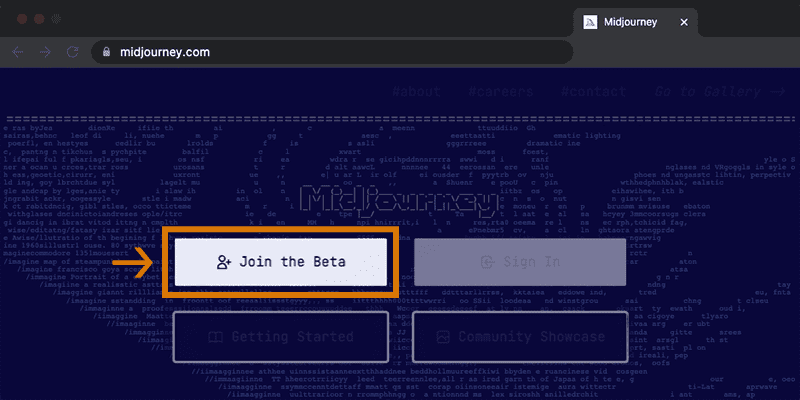
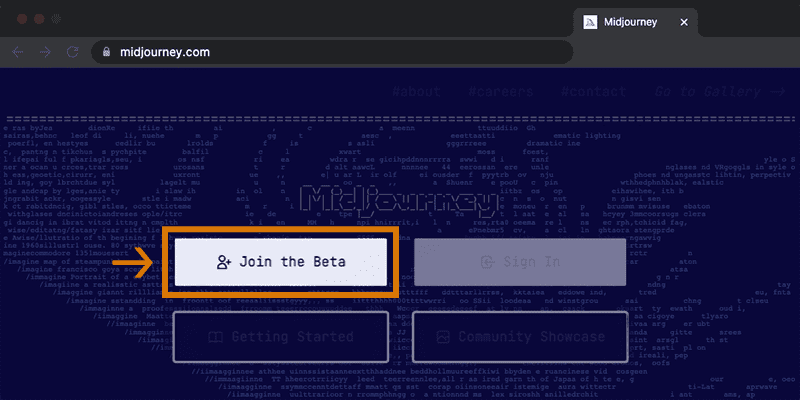
Go to Midjourney.com, select Join the Beta, or go directly to the Midjourney Discord.
Before joining the Midjourney Discord server, you must have a Discord login.
Learn how to create one here.
2: Find a Newbies Channel
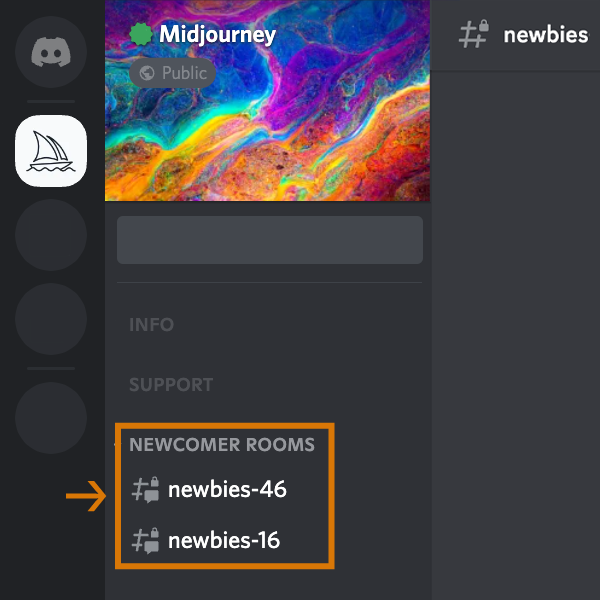
On the Midjourney Official Server
Select any newbies-# channel visible in the left sidebar.
On Other Servers
You can generate images with the Midjourney Bot on any server that has invited the Bot. Look for instructions on your server on where to use the Bot.
3: Use the /imagine Command
About Discord Commands
Interact with the Midjourney Bot on Discord using a Command. Commands are used to create images, change default settings, monitor user info, and perform other helpful tasks. The /imagine command generates a unique image from a short text description (known as a Prompt).
Using /imagine
- Type
/imagine prompt:or select the/imaginecommand from the slash commands pop-up. - Type a description of the image you want to create in the `prompt` field.
- Click return to send your message.
Respect the Community Guidelines. Community guidelines apply wherever the Midjourney Bot is used.

If you don’t see a pop-up when typing the /imagine command, try logging out, updating the Discord app, and logging back in.
Commands only work in bot Channels. Commands will not work in regular channels like #trial-support.
4: Processes the Job
The Midjourney Bot takes about a minute to generate four options.
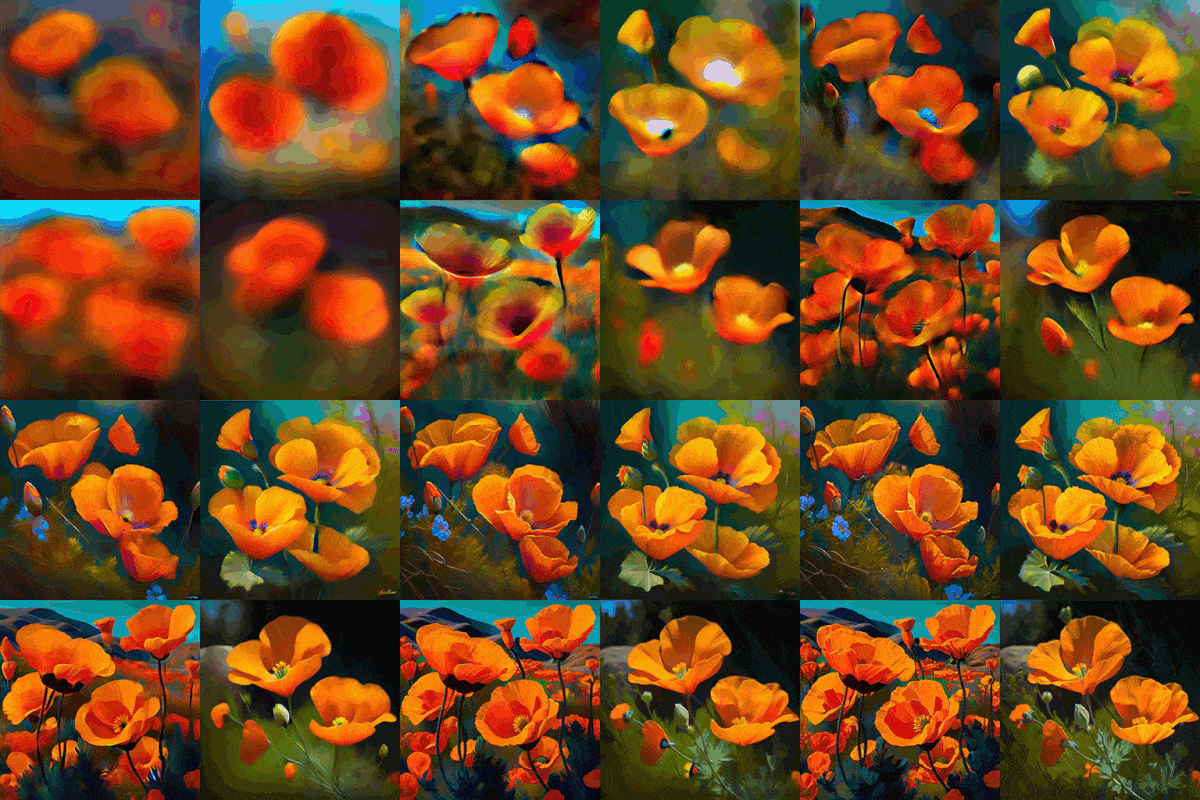
Generating an image activates the free Midjourney trial.Trial users can make roughly 25 Jobs before needing to subscribe.
A Job is any action that uses the Midjourney Bot. Jobs include using the /imagine command to create a gird of images, upscaling images, or creating image variations, all use your free trial time.
Use the /info command to check your Fast Time Remaining to see your remaining Trial time.
5: Upscale or Create Variations
After the initial image grid has finished generating, two rows of buttons appear:
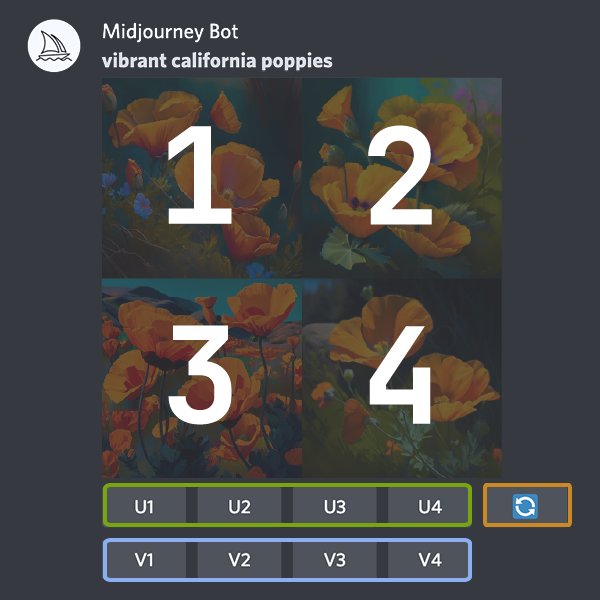
U1 U2 U3 U4
U buttons upscale an image generating a larger version of the selected image and adding more details.
V1 V2 V3 V4
V buttons create slight variations of the selected grid image. Creating a variation generates a new image grid similar to the chosen image’s overall style and composition.
🔄
The 🔄 (re-roll) reruns a Job. In this case it would rerun the original prompt producing a new grid of images.
6: Rate Images
After using upscaling an image a new set of options will appear:
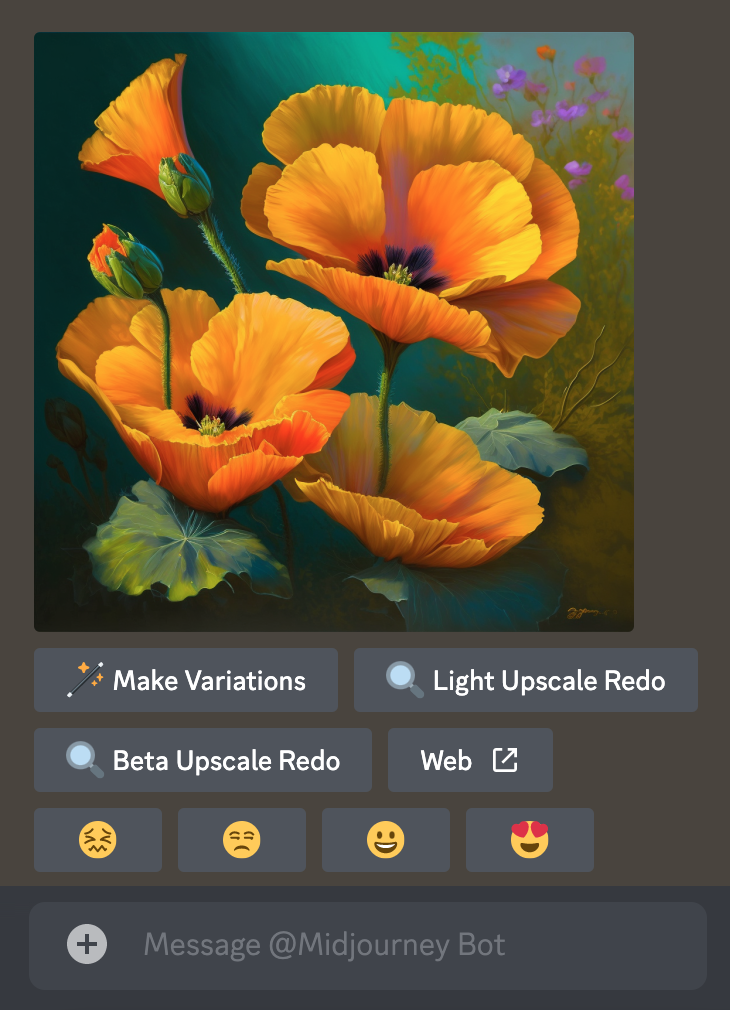
🪄 Make Variations 🔍 Light Upscale Redo 🔍 Beta Upscale Redo ↗️Web
Make Variations: creates a variation of the upscaled image and generates a new grid of four options.
Beta/Light Upscale Redo: redo the upscale using a different upscaler model.
Web: Open the image in your gallery on Midjourney.com
😖 😒 🙂 😍
Click a smiley button to rate any upscaled image on the Midjourney website or in Discord. Each day, the top 1000 image raters receive an hour of free, Fast Mode time. Rank your work or the work of others. Rank based on your personal style and opinion. Love the look, effort, colors, concept, or theme? Please give it a 😍!
7: Save Your Image
Click on the image to open it to full size, and then right-click and choose Save image. On mobile, long tap the image and then tap the download icon in the top right corner.
All images are immediately available to view on midjourney.com/appSign In with Discord to view.
FOR TRIAL, LIMITED IMAGED WILL BE PROCESS
8: Subscribe to a Plan
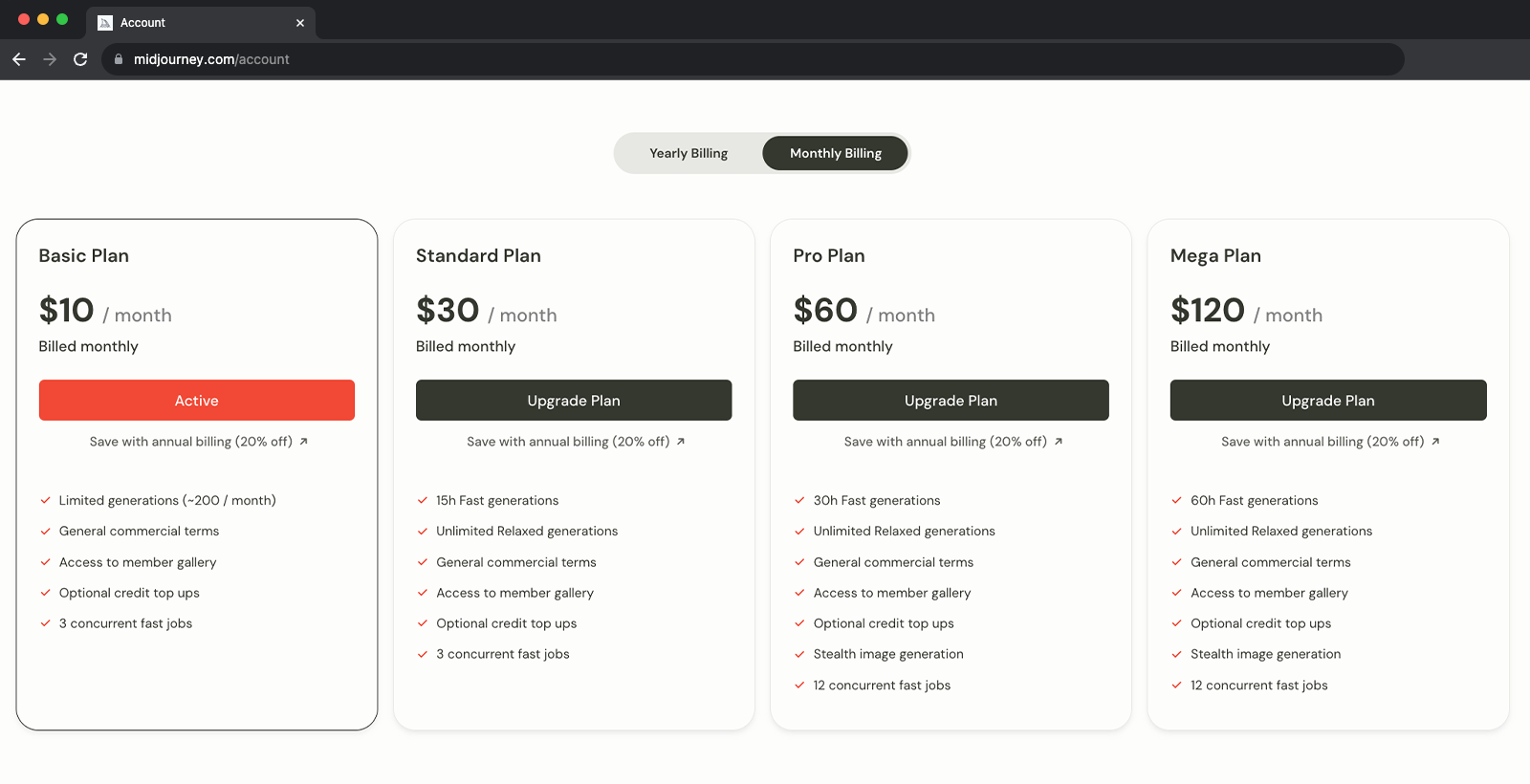
Trial users have roughly 25 free Jobs. Jobs do not presently expire but will also not renew. To make more images use the /subscribe command in any Bot Channel to generate a personal link to the midjourney account page. Do not share this personal link with others.
For prices and more information go to Subscription Plans
Double Check
Make sure you are signing in using your existing Discord account. It is easy to accidentally create a new account.
 Meja Closing : Bagaimana Ia Bermula
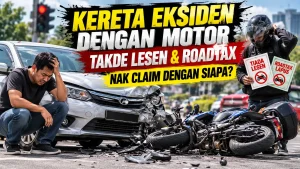 Motor Tiada Lesen & Insurans Langgar Kereta: Claim Siapa?
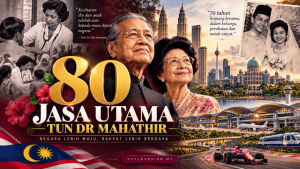 80 Jasa Utama Tun Dr Mahathir
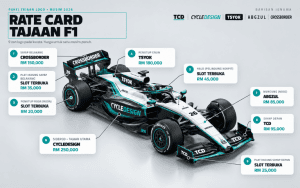 Harga Letak Logo Pada Kereta F1 2026: Sidepod, Wing, Halo Sampai Title Sponsor
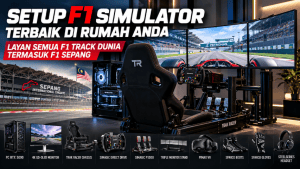 Setup F1 Simulator terbaik di Rumah Anda, Layan Semua F1 Track Dunia Termasuk F1 Sepang.
 Mahu Anak Jadi Pemandu F1? Umur, Kos Karting & Laluan Ke Formula 1
 Custom Tshirt | Tshirt Group Konvoi Cara Buat Tshirt Event Konvoi & Group Ride
 Pelepasan Cukai 2026: Takaful, Medical & Resit Wajib Simpan
 Top 10 Midjourney Alternatives You Can Try in 2023
 “Abang tak pelik ke macam mana Juna rapat dengan yang?”
 T-SHIRTMERDEKA 66 KUNING (SHORT SLEEVE)Dari RM65.00
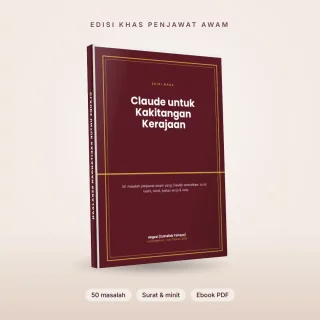 eBOOKClaude untuk Kakitangan Kerajaan: 50 Masalah Penjawat Awam (Ebook PDF)RM19.90
 T-SHIRTCrossborder Laos (Long Sleeve)Dari RM75.00
 T-SHIRTThailand 1864 Corners V1 (Short Sleeve)Dari RM65.00
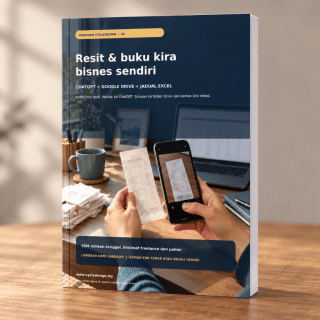 eBOOKPanduan Rekod Resit Mudah 02 – Sole Prop & FreelancerRM15.00
 T-SHIRTThailand 1864 Corners V1 (Long Sleeve)Dari RM75.00
 T-SHIRTBMW GSA1250 TRIPLE BLACK (Short Sleeve)Dari RM65.00
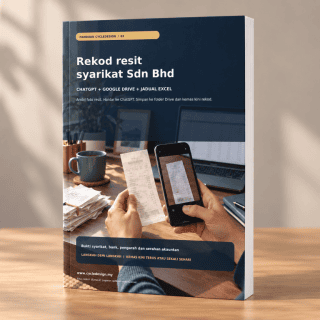 eBOOKPanduan Rekod Resit Mudah 03 – Sdn. BhdRM15.00
 T-SHIRTCamping Buddies (Long Sleeve)Dari RM75.00
 T-SHIRTAbah-Abah Ride 2023 (Long Sleeve)Dari RM75.00
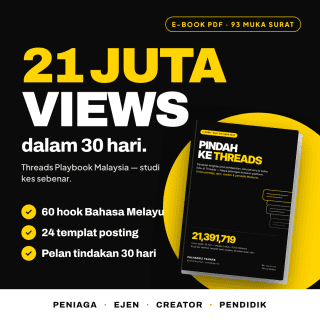 eBOOK21 Juta Views Dalam 30 Hari – (Real Case Study Version) Threads Playbook MalaysiaRM19.00
 T-SHIRTMERDEKA 66 MERAH (SHORT SLEEVE)Dari RM65.00